
So long, manual inventory.
Ignition Inventory automatically turns your supplier invoices into clean, usable QuickBooks inventory — and enriches each compatible part with its OEM FCC ID, even when your supplier doesn’t provide it.
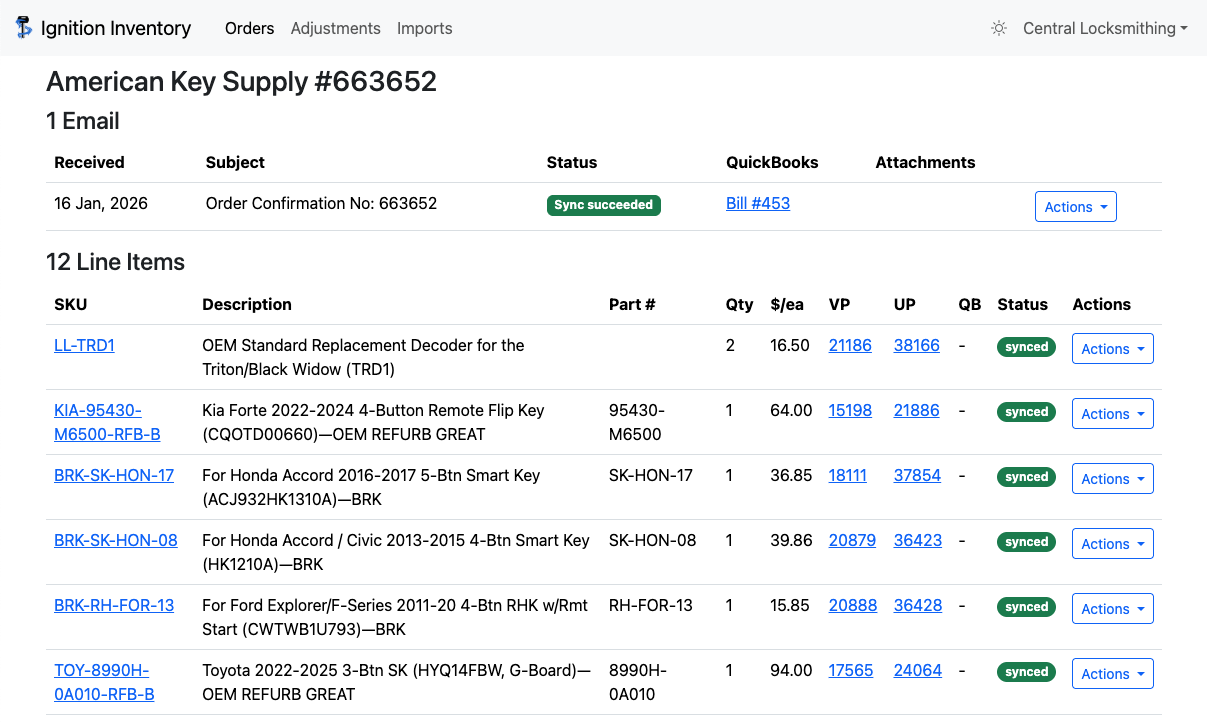
You already bought the parts.
Why enter them again?
Every distributor describes products differently. Ignition handles the translation so your team doesn't have to.
Invoices arrive
Your vendors already sent you the information. Ignition starts there instead of asking you to enter it again.
Products get matched
Ignition recognizes vendor SKUs, product descriptions, grades, and naming variations.
OEM FCC IDs are added
Ignition enriches compatible parts with the FCC ID from the OEM — not the supplier — giving your inventory data a field other systems typically miss.
QuickBooks stays current
Your inventory is updated so you can use it for invoicing and day-to-day operations.
From your inbox to QuickBooks.
Ignition receives invoices from your email and takes it from there.
An invoice comes in.
No manual upload or second round of data entry.
Ignition processes the order.
Line items are recognized, matched, and organized into useful inventory data.
You get a weekly check-in.
See what came in and what needs attention without digging through invoices.
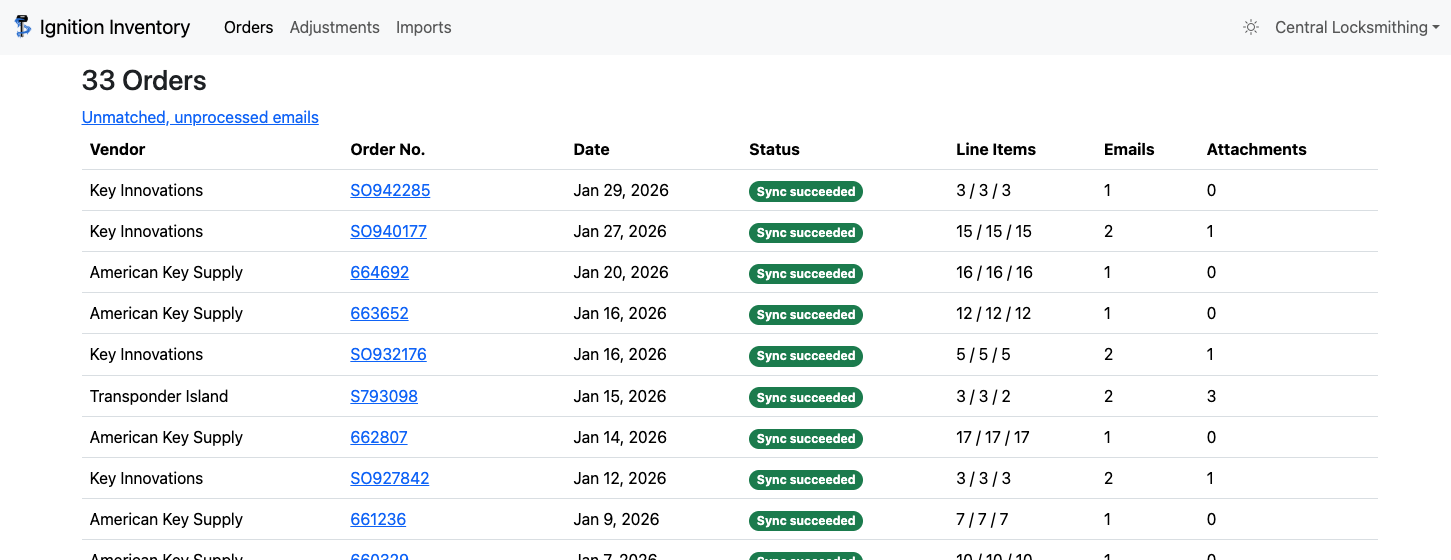
One product. Many ways to describe it.
Different vendors call it different things.
Ignition unifies products across vendors and grades so the same item shows up in the same place in QuickBooks.
Every compatible part gets its OEM FCC ID.
Supplier listings are often incomplete or inconsistent. Ignition adds the FCC ID using OEM reference data, rather than relying on whatever a distributor happens to include on an invoice or product page.
Ignition enriches the item
Don't replace your system. Make it work better.
Ignition sends inventory information to QuickBooks so you can use it for invoicing — without moving your whole shop into another platform.
Built for the real-world mess of automotive locksmith inventory.
Made by people who actually deal with this inventory.
Ignition grew out of the day-to-day work of managing transponder keys, remotes, blades, batteries, vendor-specific SKUs, product grades, and QuickBooks.
The goal is simple: remove the repetitive work without forcing the shop to completely change how it operates.
Spend less time entering inventory.
Join the early access list for Ignition Inventory.